
QR Builder Guide
This guide covers Route Bible's QR Builder at https://route.bible/builder. For the full website badge embed guide, see Website Badge Guide.
What QR Builder does
- Parses human-friendly or canonical passage input.
- Generates canonical Route Bible links.
- Renders QR previews in-browser.
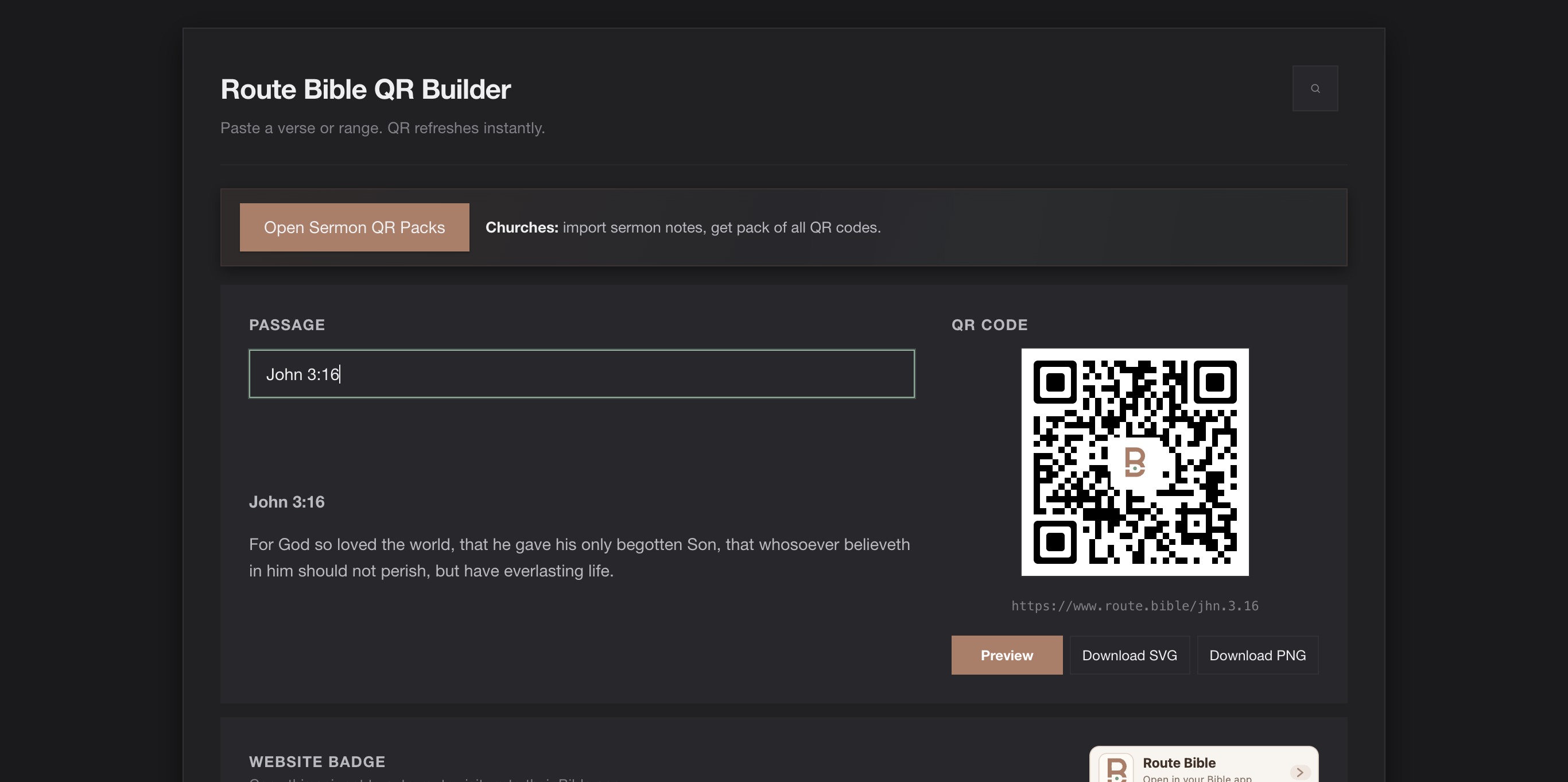
- Exports QR assets for church slides, print, and web pages.
Accepted input
Builder accepts common references and canonical forms, including:
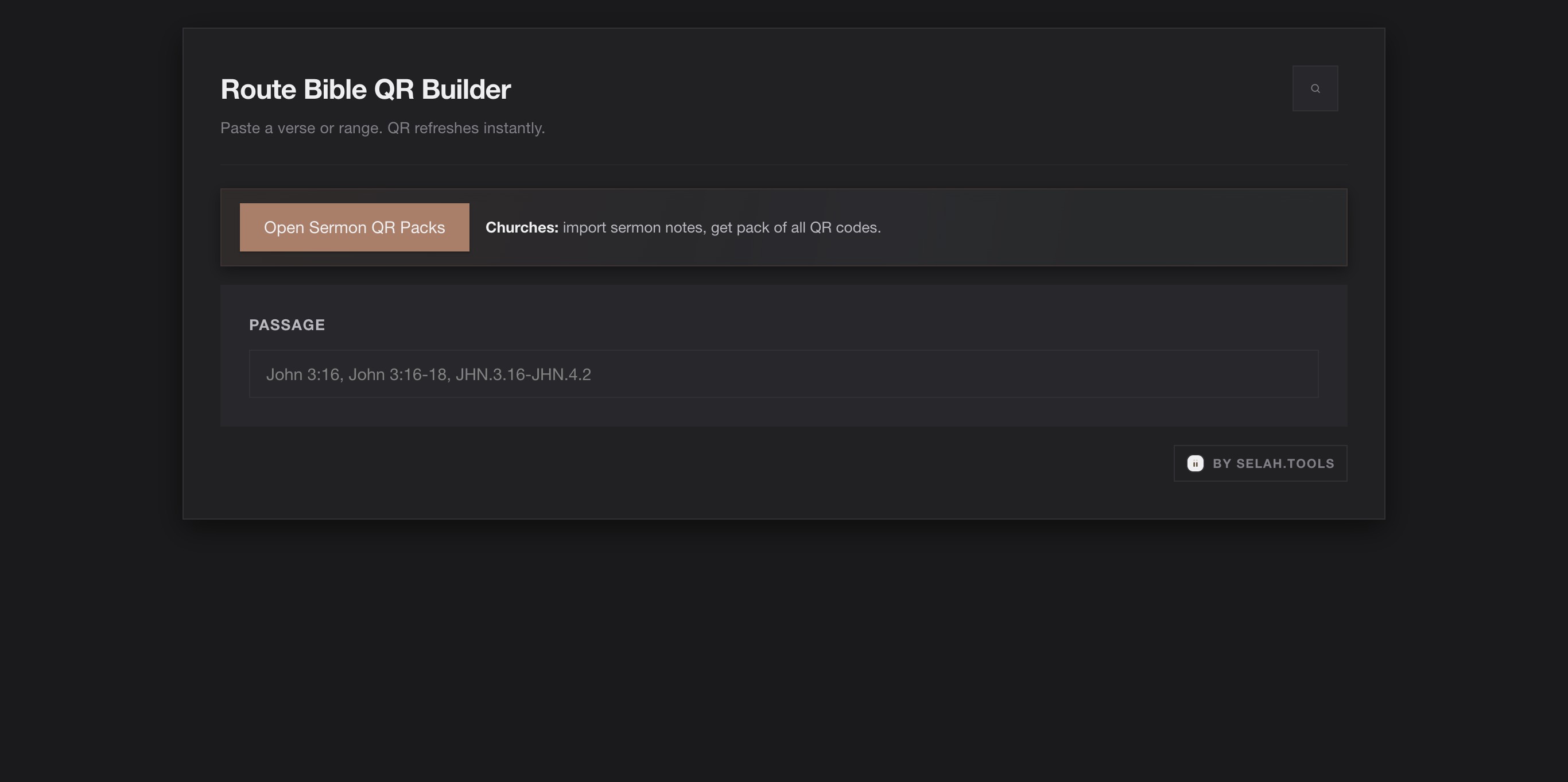
John 3:16John 3:16-18JHN.3.16JHN.3.16-JHN.4.2
Canonical output
Builder normalizes passages to canonical lowercase route slugs:
- Input:
John 3:16 - Output URL:
https://route.bible/jhn.3.16
Route behavior from generated links
- Canonical link (
https://route.bible/jhn.3.16) uses default resolver behavior. - Preview button opens launcher mode (
?mode=launcher) to make chooser behavior explicit.
Downloads and embed outputs
Builder provides:
- QR
PNGdownload - QR
SVGdownload - Canonical link copy target
- Dynamic badge embed snippet
- Badge SVG asset download
Default embed snippet:
html
<div id="route-bible-badge"></div>
<script async src="https://route.bible/badge.js" data-mount="#route-bible-badge"></script>
For fixed-passage snippets and a detailed explanation of badge.js behavior, see Website Badge Guide.
Pre-filling Builder via URL
Builder supports passage prefill through query parameters.
Supported keys include:
resolveqquerypassageref
Example:
https://route.bible/builder?resolve=JHN.3.16
Church media workflow
- Build passage in
/builder. - Keep canonical URL in slide notes.
- Use SVG for projection/print quality.
- Test scan on iOS and Android before service.
Visual walkthrough
- Start on Route Bible Builder.
- Enter passage text and verify QR/canonical output.
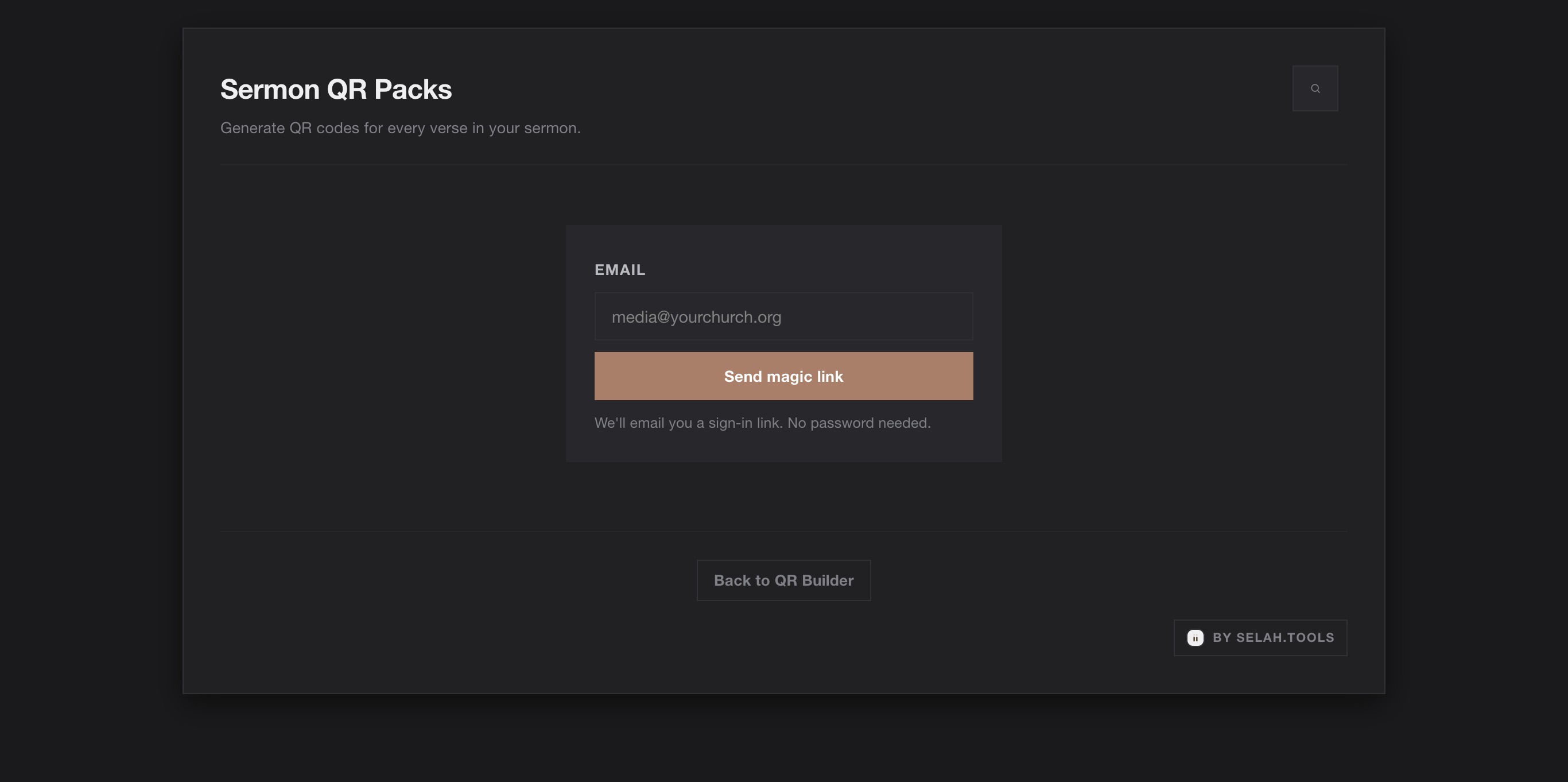
- Open Sermon QR Packs when you need batch processing.
Developer integration workflow
- Canonicalize passage server-side or client-side.
- Link users to
/builder?resolve=<canonical>for manual final checks. - Store canonical route URL for durable references.
- Use
/badge.jsfor lightweight embed integration.
QA checklist
- Passage parses successfully.
- Canonical link opens expected passage.
- PNG and SVG exports are downloadable.
- QR scan resolves on iOS and Android.
- Embed snippet renders badge correctly on target site.